Sim-informed guidanceRecommendations built from encounter and combat state.
Sim-informed Classic WoW guidance
Master every moment.
Know exactly what to press next.
A display-only rotation coach and raid companion that turns live combat state into a clear next action.
The app installs and updates the addon.
See the leaderboardPick your class to watch its rotations
Tools that empowerRotations, profiles, and addon sync in one desktop companion.
Climb the leaderboardPlayers ranked by their best parse on a single boss.


From combat state to your next action.
Prelude
Descend
Enter the raid engine.
The system that turns a live encounter into one clear decision.
01
Calculate
Know the current and next action.
The real addon display keeps the recommendation visible on the pull without turning combat into autopilot.
Get it with the app
Real in-game NAG display
Current
Next
Timing
02
Command through Helper
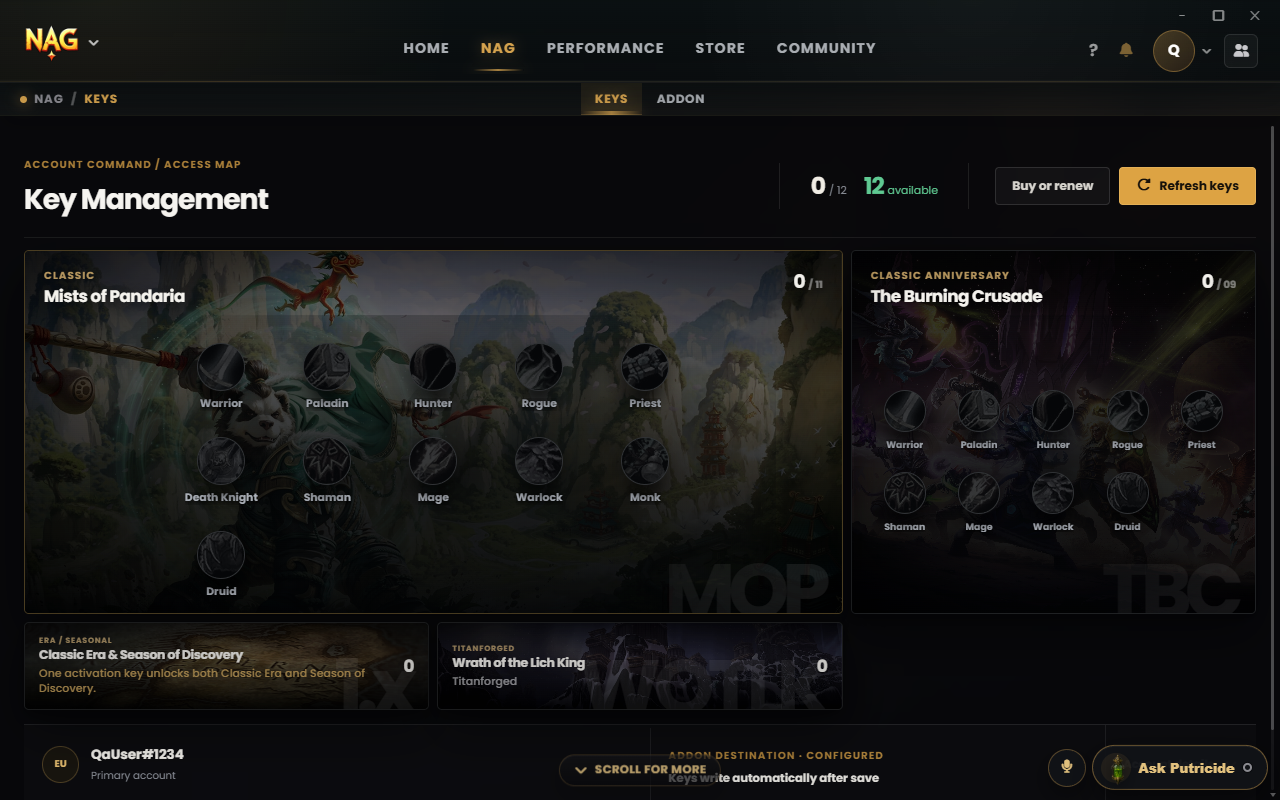
Keep rotations, profiles, and sync together.
NAG Helper handles the local work: your rotations, addon files, updates, and profile synchronization.
The top 10 NAG players
Fetched from real NAG app users. Ranked by personal best: the best parse on a single boss.
| Rank | Player | Class / Spec | Expansion | Personal best |
|---|

Build your class access.
Choose how many class rotations you need. Manage exact class and expansion assignments in NAG Helper.
- 01Choose access
- 02Secure checkout
- 03Creator code
- 04Pay
Billing
One rotation covers one class in one expansion.
Selected access
Alt Arsenal
Select & proceed to checkout
3 rotations - Monthly - See live price
